
Developer Tools
HappyRobot is a fully programmable platform. Everything you can do in the UI, your engineering team can do through code.
Everything you can do in the platform you can do through code
REST API
Build, trigger, and manage every part of HappyRobot programmatically such as workflows, agents, integrations, contacts, usage, and more across 20+ resource areas. Fully documented so your team can explore and test the full API without writing a single line of code.
TypeScript SDK
Embed HappyRobot directly into your own applications with Node.js or TypeScript backend - calls, transcripts, phone number management, and more, all accessible from your existing backend without building custom infrastructure around it.
MCP Server
Expose the platform as tools in any MCP-compatible environment to create workflows, manage integrations, run evals, and configure agents through natural language without leaving your existing dev tooling.
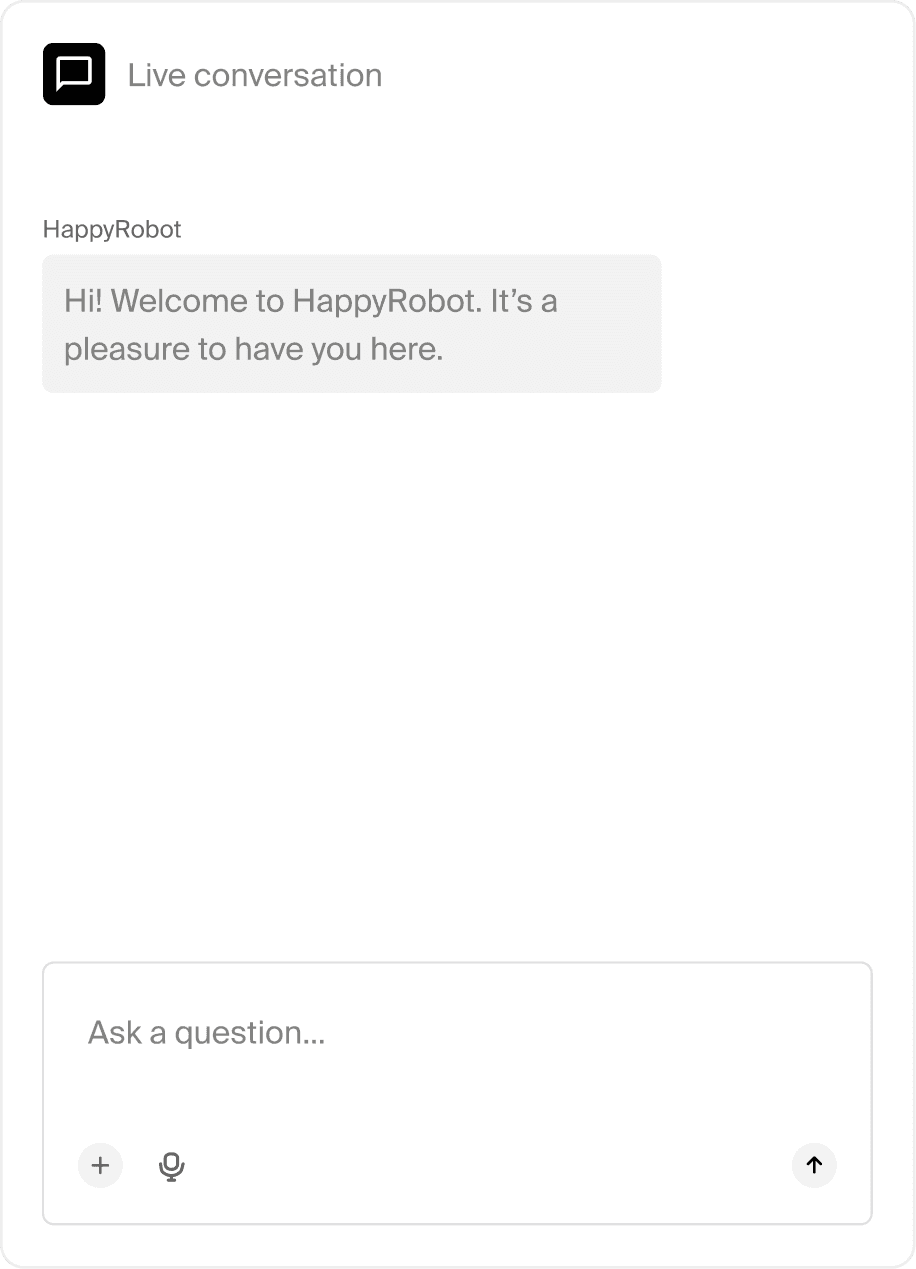
Deploy voice or chat agents into your web surface
Web SDK
Browser-based voice over Web RealTime Communication (Web RTC) - users click a button and speak directly to an agent from any web page, no phone number or telephony infrastructure required.
Embedded chat
Built on top of the web SDK, deploy a fully featured text agent on any web property with a single script tag. Supports file uploads of any type - documents, images, audio, and video, so agents can read, transcribe, and act on whatever users send.
Build and extend without limits
Workflows as code
Define your entire agent workflow including prompts, nodes, tools, and logic as versioned code. Engineering teams can build in their own environment, review changes in pull requests, and promote to production through the same source control process they use for everything else.
MCP for Context
Read and write directly to the Context data layer through MCP. Query the same tables your agents write to during live execution, push data in from external systems, and build workflows that treat Context as a first-class data source, all through natural language in your existing dev tooling.
Context REST API
Context, the platform's data layer exposes a public REST API and managed REST gateway, making it a two-way integration point with your data lake, analytics platform, BI tools, and downstream operational systems. Query or write to the same layer your agents use during live execution.